Thanks. These are frankly unacceptable workaround options for iOS and iPadOS users.
The refusal to add/maintain modern features on the Scrivener iOS is a big disappointment. Your users are asking for features (it looks like the first to ask for iCloud syncing was back in 2020 in this very forum and yet, CloudKit was available as far back as 2014 for iOS developers). When it comes to mobile user feedback, there appears to be an inability to turn that feedback into product features, which is potentially even more disappointing.
I would expect a market leader in writing software to be excited to innovate where it can to maintain that leadership.
The macOS application is an incredible piece of writing software. All I’m asking for is bringing the iOS Scrivener app up to date with some modern features that many writing software have out of the box. This is a huge topic of discussion for your users in other forums. I’m afraid if L&L fails to innovate here, you’re missing out on a huge opportunity. You can already see competitors arising fast that have cloud syncing built-in out-of-the-box.
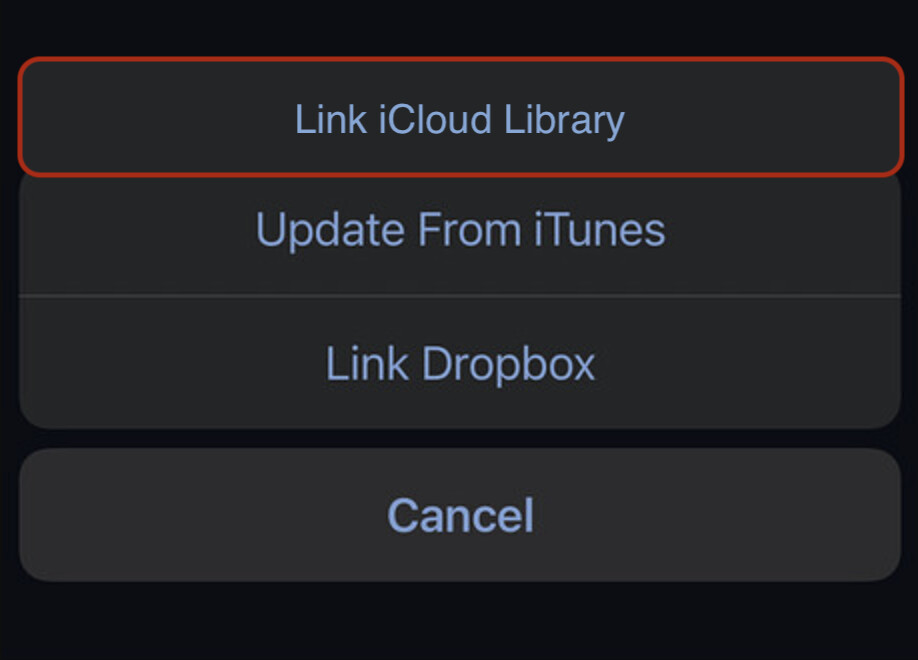
TLDR: Please consider adding the following to the mobile application. It really doesn’t have to be more complex than this: Link & Sync. Here’s a modified image from my screenshot earlier in this thread. Please consider this product feedback seriously: