Hello,
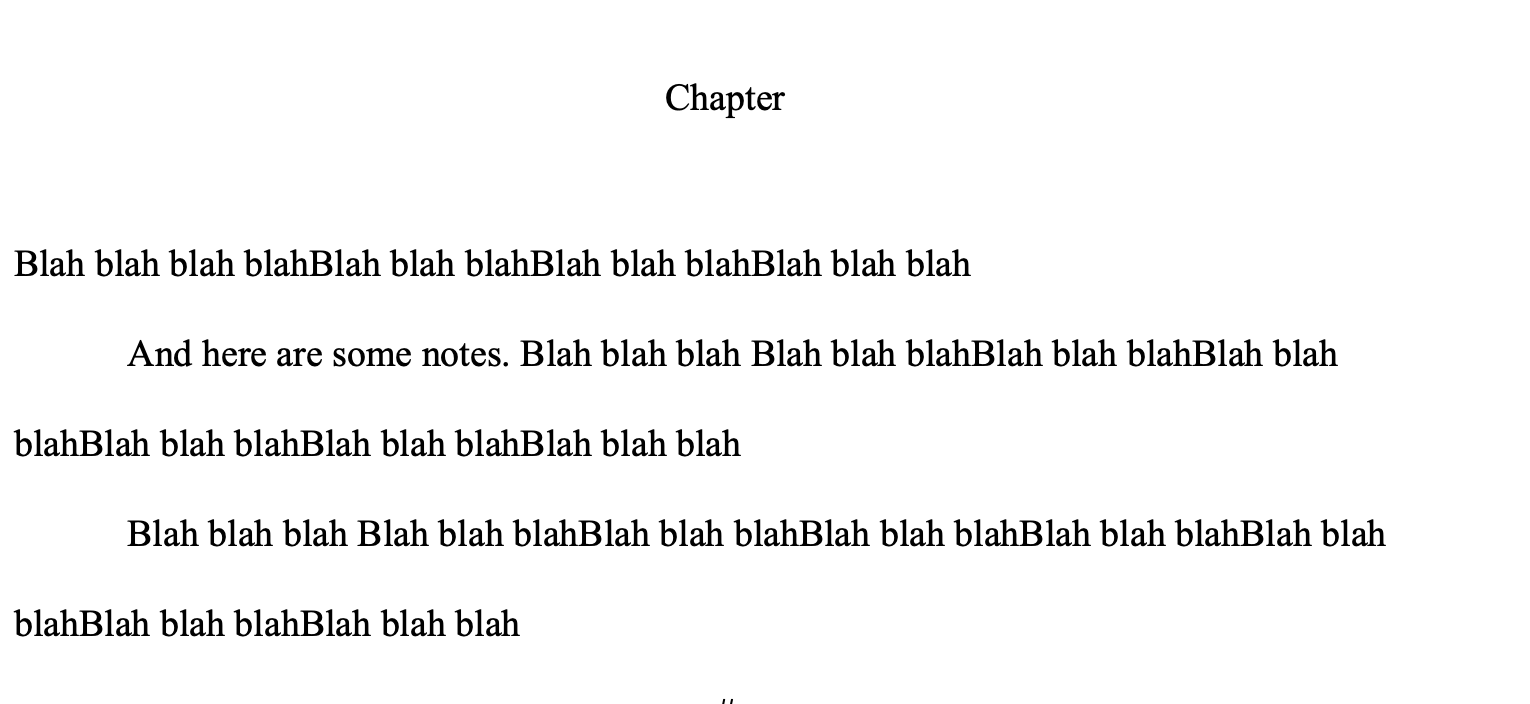
I would like to wish for a feature I call “Milestones”. Whenever I write a chapter or a scene, I stop to consider what it’s going to be about, the conflict for the scene, and yada yada yada. I’m typically brainstorming on a sheet of paper, or else loosely with a text editor (such as Scrivener)-- and kind of develop my sense of the scene, the way I want it to lay out and flow. I typically write (or type) in the “Milestones” (Major “beats”, if I can use that word here) that I want my scene to follow. Then, as I’m writing, I am reminded of whatever it is that I’m trying to “get to” by the “milestones”.
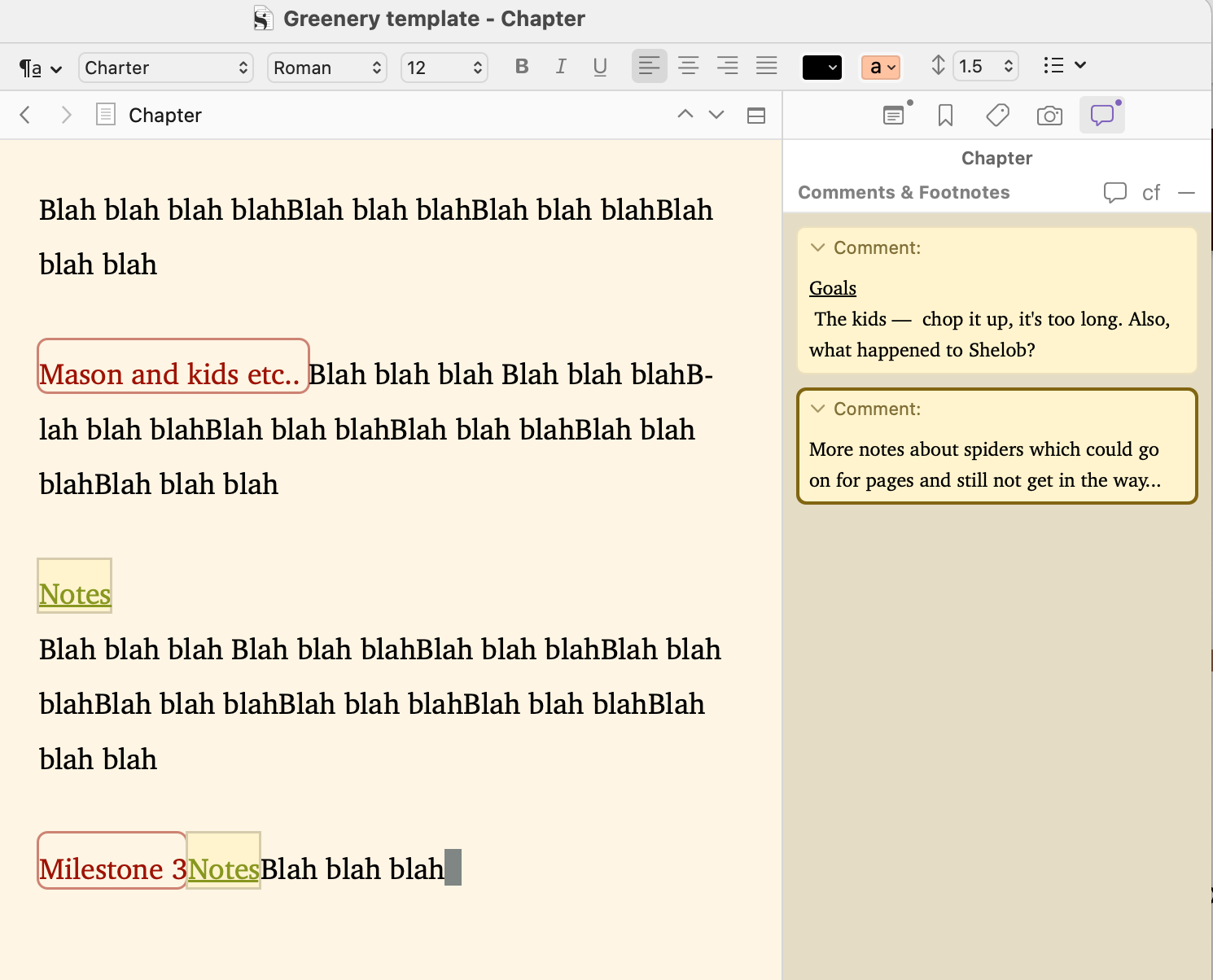
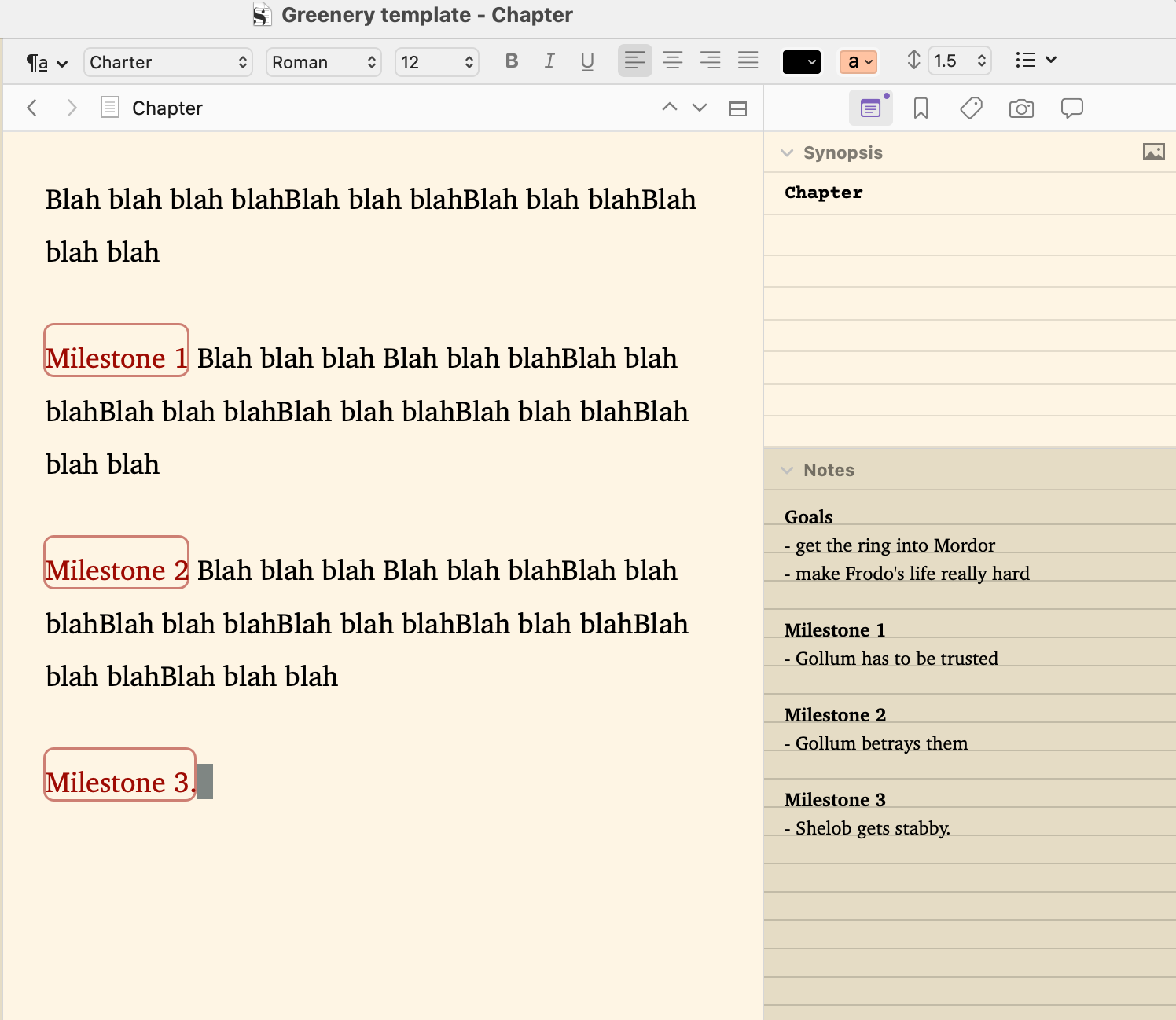
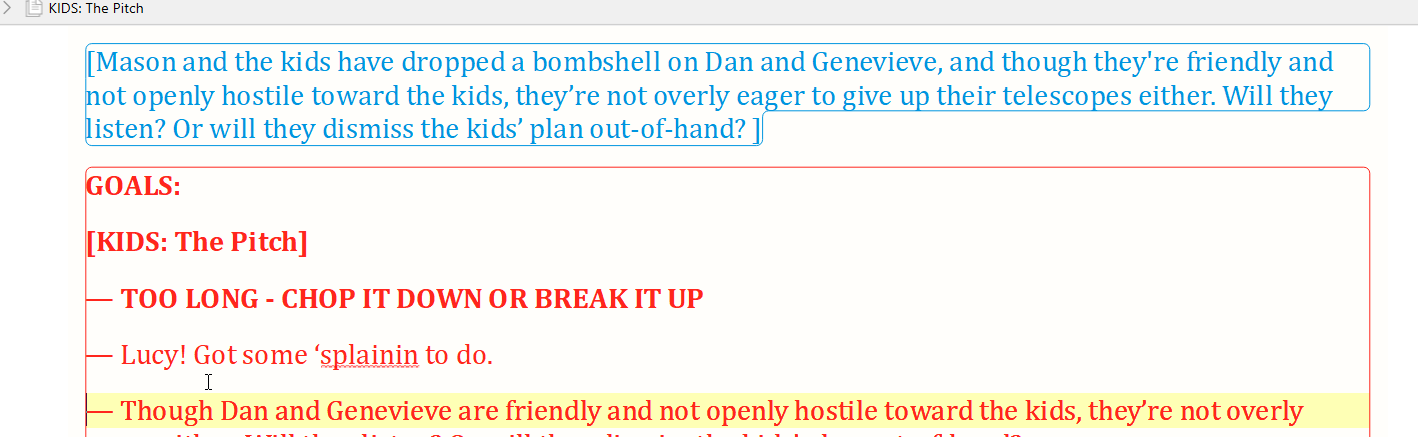
So, how I would envision this working out as a feature, is to open Scrivener, start laying out my scene synopsis (which I do via annotations), then my list of goals, questions, considerations, etc, (that are similarly handled nicely enough now using the annotation feature)-- and then the actual milestones I want for the scene. So it’s sort of like this:
[Synopsis blah blah blah]
[Goals:
– Lots of blah blah blah
– Maybe some more blah blah blah and some yada yada tossed in too…
]
[Milestone Blah]
…
[Milestone Some more Blah]
…
[Milestone Etc.]
…
After thinking about this for a while, it occurs to me that this would be really useful if it was combined with a “page-folding” feature. So you could add your milestones and then “open” or “close” them as you wish, or even by a whole document (at the document level).
Then, if I’ve done my job well (as an author), I can very quickly scan down the list of milestones, find the one(s) I’m interested in and open them up. The rest of the scene can stay “closed”, but with the milestone indicating what it is, what it’s for-- perhaps even with a selectable amount of “text bleedthrough” to make it easier to see what’s in the milestone. And of course the milestone itself should have some indicator – perhaps a color change-- for whether it’s empty (though could contain annotations, for getting ready to write into the milestone). And then some other color when it contains story text.
However, it’s important to note that Milestones, the way I envision them, are not separate documents, though if you wanted to, you could show them in the binder as an extra feature. But rather, are “tags” or something in the text-- that can be created / used / edited / removed as part of the text, using the text editor. They are simply styled differently and have the page-folding ability. Perhaps it might be practical to be able to create them just by writing a special tag, but then edit them or remove them by clicking (or double-clicking) on them to put them into that mode. And then to otherwise ignore them as you’re writing on the page, apart from the folding aspect. The very last milestone on the page, would fold the remaining text (if any) and then permit a line below it to add new text or milestones underneath.
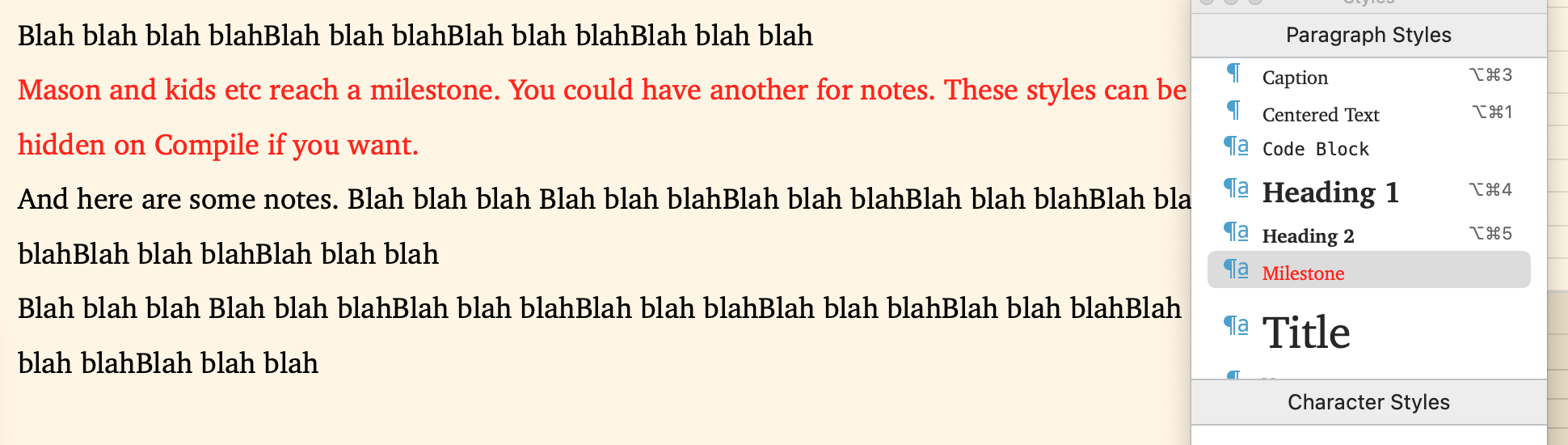
Stylistically, I think Milestones would look best if they were maybe raised headers, giving them more of a “button-ish” feel, or something like that-- as opposed to being rendered like annotations are, with just a minimal box around them-- but either way would do fine. Just remember that you can click (or whatever) on the milestone to open/close it, and also have some type of indication whether it was empty or used.
The idea being, I could enter the milestones that carry a more abstract level of the story, and very quickly enter the story overview, via the milestones, and then drill-down into it and enter the specific text/prose for that beat.
The fact that they can “fold” (roll-up, whatever you want to call it) just makes it easier when I’m not editing a section, I can still see the general story in the milestone “beats” while I’m working above or below a particular section.
Whadaya think? Would you be willing to implement something like this?
JWhitten
 )
)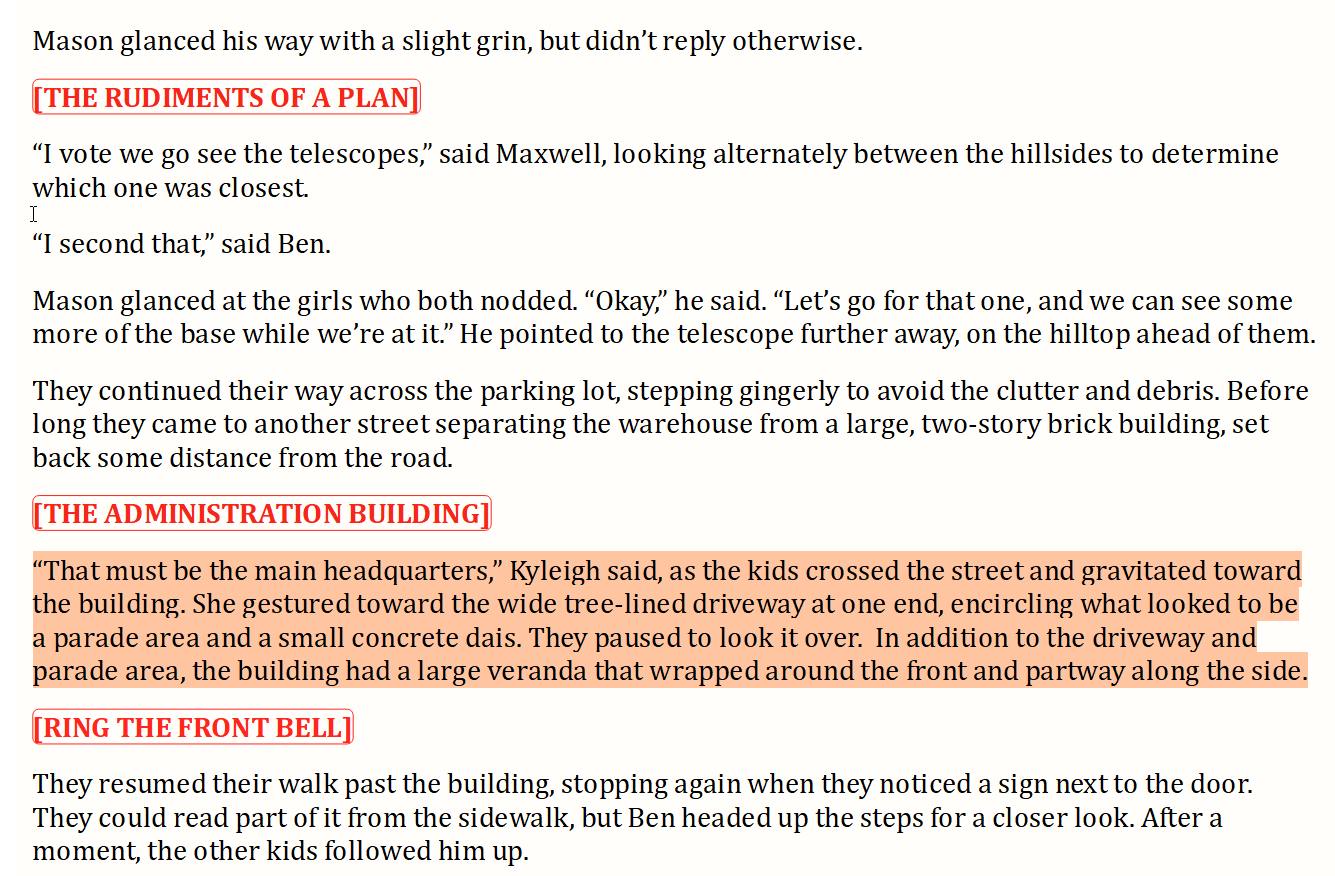
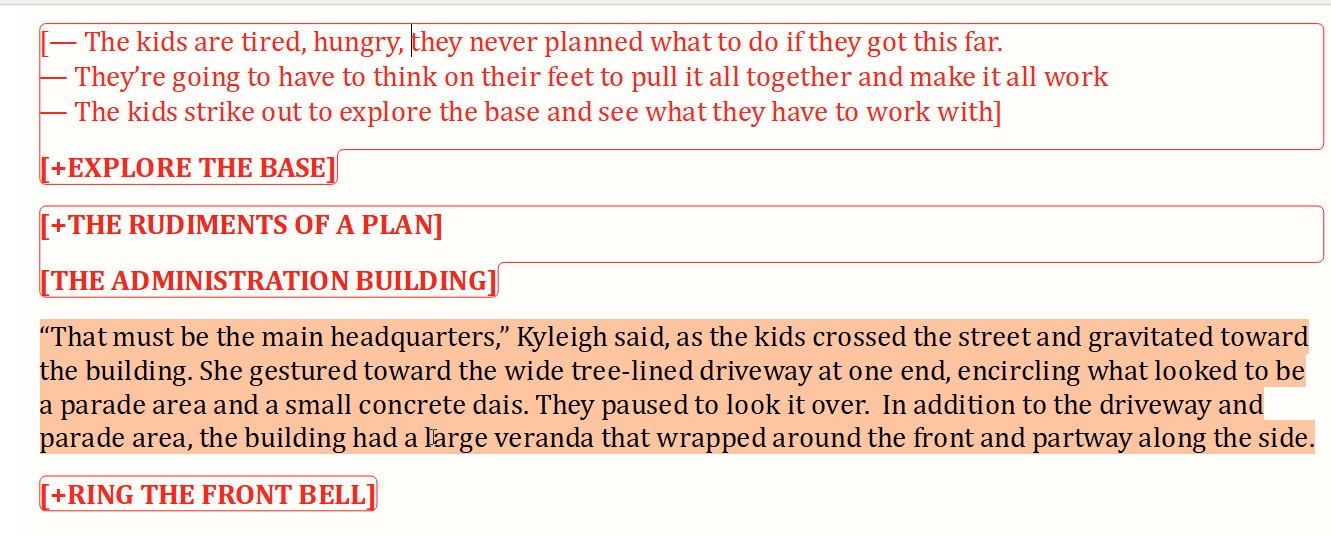
 Though it doesn’t handle the folding. Yes, you can deal with that some by what you select in the binder, but that aspect seems a little tedious.