Hello all. I purchased Scrivener 3 back before it was released. I’m finally getting to it!
My question. I plan on working on a series of short (I think) stories and am considering having them all in a single project. I know I can use the organization tools to make it work. But I’m wondering if anyone has doe something similar and are they satisfied with experience/workflow? Did you encounter any challenges like exporting a subset (a single story) versus the entire project/manuscript.
Hi.
For the technical side of things, it’d be worth your time to search the forum. I know there are threads on exactly that topic, somewhere.
Scrivener has built-in functions, at compile, to achieve exactly that.
(Meaning: ways for a story to be compiled as if the whole project ; without any other manuscripts sharing it. Which would otherwise mess up auto-numbering, mainly.)
As for export, it is pretty straight forward : it’ll export whatever you tell it to export and nothing else. So no, no real challenge.
The pros and cons of having multiple manuscripts share a single project can only be measured relative to your reason to want to do so.
Thank you both. Bones of the first story are complete but I’m not satisfied with the descriptive content of each of the scenes. I think I’m good with description but sometimes the feeling of needing to progress dulls that. I’m going to try to see if breaking it up into scenes in Scrivener will help me isolate them in my mind. Hopefully I be able to give each one the TLC they need when I look at them separately.
It is way helpful to break things up and Scrivener is excellent in supporting that – since it can stitch things back together seamlessly upon Compiling your output.
In my workflow for short stories, each scene gets a folder. Inside each folder will go an indefinite number of documents representing the scene-moments (aka “shots”, aka whatever) within that scene. When I compile such a story, the shift from one doc to another will be represented as a small scene break (empty line), and the shift from scene folder to scene folder will be represented by a big scene break (how this is represented varies).
I work with multiple short stories in a single Scriv project on a regular basis. In fact, in one project I manage the collection of stories for a small writers group, and these get compiled in various groupings over time. Currently there are 145 stories in this one project – plus quite a bit of other stuff associated with that group. Having all the stories organized in one place is super handy.
While some of what the thread linked to below goes into may be a bit more advanced, from where you are right now, I would say it is worth clicking the bookmark icon on it so you can find it again when it does become relevant and the conversation clicks. For now it would be worth skimming it to see illustrations of two main things:
Scrivener has ample feature set for handling projects that are designed to export multiple discrete components (whatever that might be: articles, books, short stories, poems…).
As I note in one of my follow-ups there, this forum is absolutely stuffed with conversation on this matter, and all aspects surrounding it, from compile to practical usage to organisation tactics. But as a matter of finding them with the forum search tool, you should know most people, when phrasing such discussions, will use words like “trilogy” or “multiple books”.
A short story is, from how you use the features in Scrivener, functionally equivalent to a book in a trilogy. While there will of course be details that are different (numbering chapters will be of little interest in most short stories for example), the high level features you use to sort things into groups, and designate them for your word count tracking and other features, are all overlapping.
So, I’m gonna take a different direction with this answer, and I’m gonna to say I’m sorry if I get this all wrong, but seems to me that you can solve this by thinking about the history in its entirely.
I explain. There are the “short storie’s project”, then, there’s the desire to merge all of them in only one. But I think that you could keep the original idea and connect them with the narrative guideline.
What connect the stories?
The short stories when read together have what narrative point in common?
For instance: ten shorties that talk about forgiveness and all the aspects of it. They seems separeted, but if you create some point of connection (like the narrator or the protagonist) or even the forgiveness as the protagonist you can create one book with short stories and doesn’t have the need to merge all the stories as one piece.
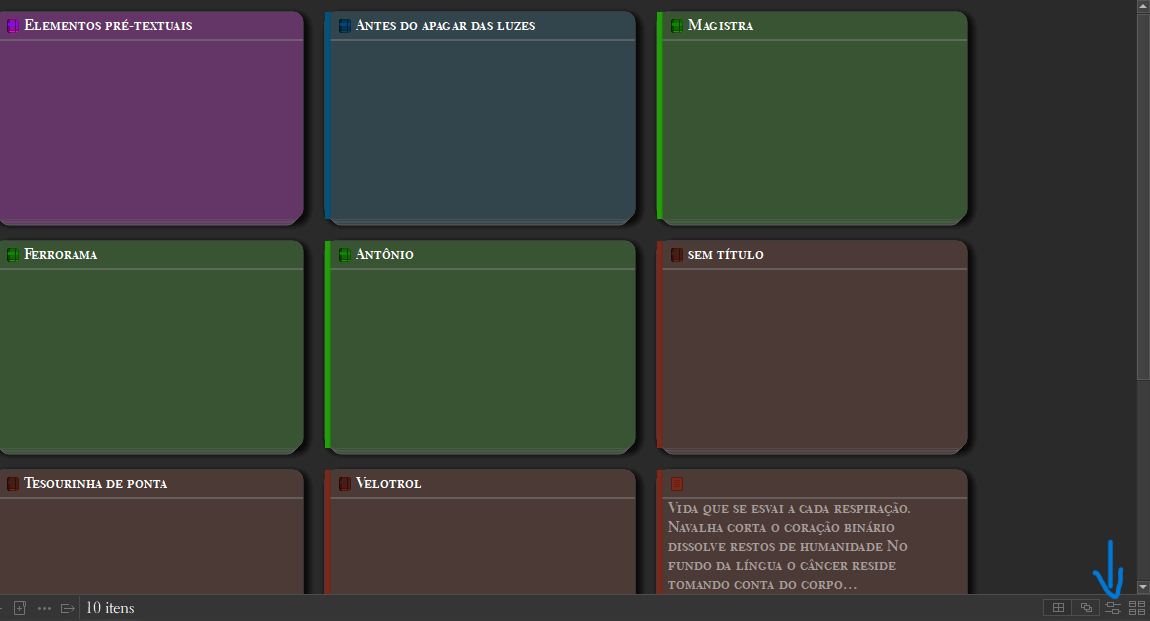
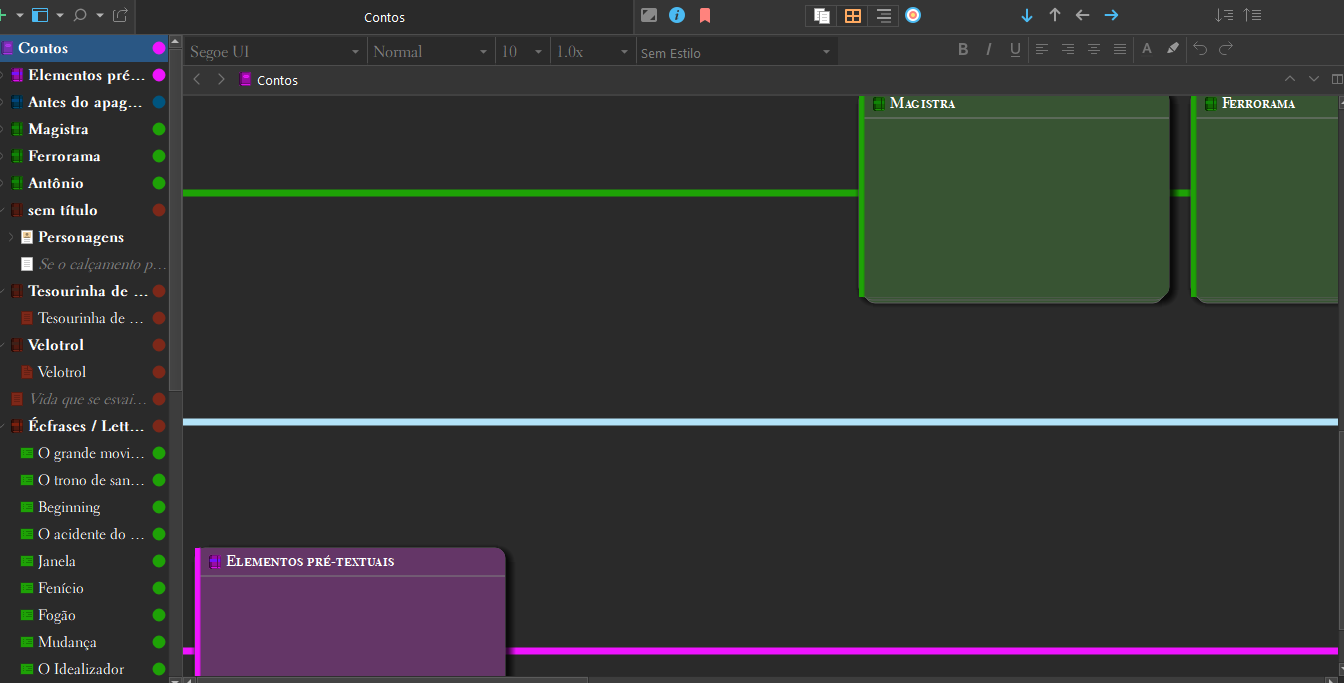
I think this format even alouds you to have more freedom to play with the writing. You can play with the scenes from every short stories more freely (my POV). In Scrivener you can make a folder of every short storie and on that create documents with the scenes too. There’s the (my God I forgot the name in english, but here in Brasil we called quadro de cortiça (the big screen where all the cards appears, sorry I forgot), that helps you a lot with the organization.
I don´t know if this could help, but I share this view with you hopping to share some little light here.