I can’t open any of my Scrivener docs from my new MacBook because my old one just updated to Tahoe and doesn’t recognize Pages or Scrivener docs that I had open today or ever. I need to switch all my files to the new MacBook and transfer my Scrivener here too
how are you attempting to open? what is the error message or the indication that makes you conclude you cannot open? can you see the Scrivener “package” in Finder?
Upgrading to a .0 release of any Apple OS is risky for production work.
that being said i think we can help you open the projects. but need more info beyond “I cannot …”
1 Like
Definitely need more info.
What version of Scrivener, and as rms mentioned.
The current stable version of Scrivener runs on Tahoe with a couple of compile related issues, and the ‘interim build’ runs just fine on multiple installs I’ve tried.
2 Likes
macOS 26.0.1 is out now, so also try updating to the latest bug fix.
1 Like
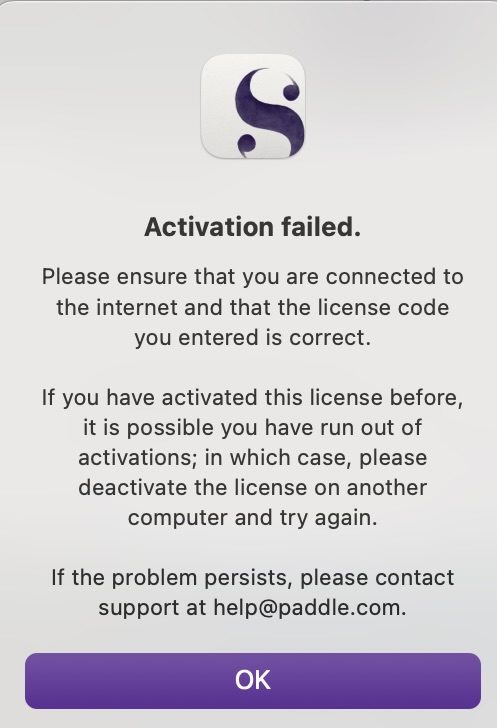
Please try upgrading to the latest version, which you can download here: Download - Literature & Latte
If that doesn’t help, please open a support ticket, here:
We can’t address licensing issues through the forum for privacy reasons.
1 Like