Hi,
Is there a way to get Wingdings to stick when compiling? Everything I’ve tried fails. I end up with a perfectly formatted file except for my scene breaks, where I’m using Wingdings. There I end up getting the actual alphabetical value versus the icon. I’m on Windows. Tell me I’m missing something obvious, please – it’s been one of those days. =)
Thanks,
Audrey
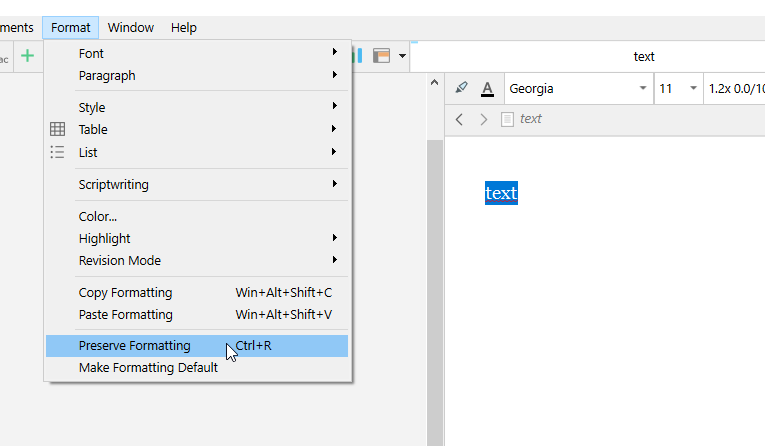
Have you tried Preserve formatting ?
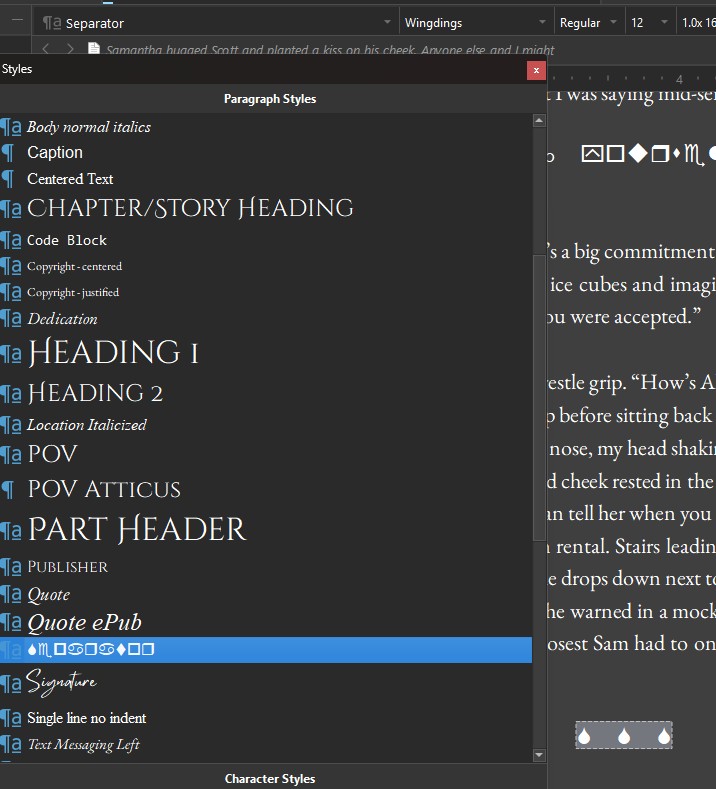
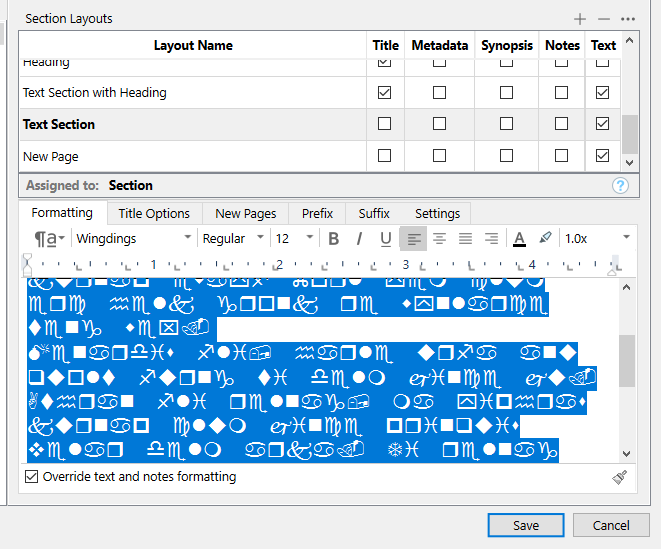
Then perhaps try to create a style using that font, and apply that style to your separators.
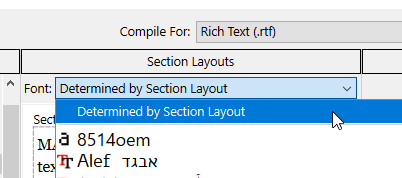
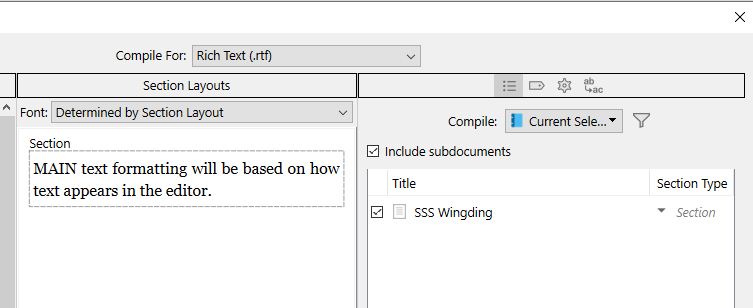
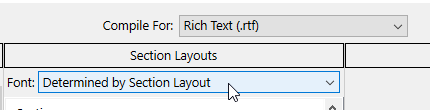
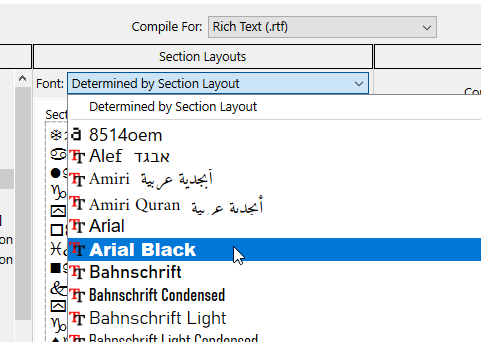
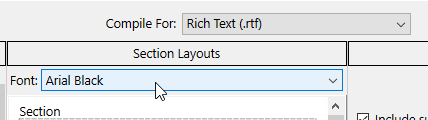
Also, make sure your compile panel isn’t forcing a global font.
Just so you know, usually, when people want a chapter separator, they use an image.
This works fine for sure.
You could screenshot your separator, and inject it back as an image.
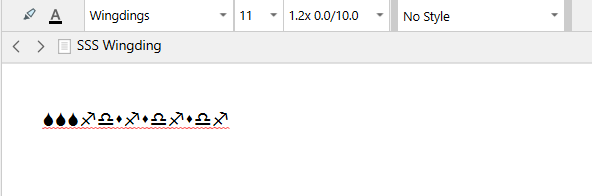
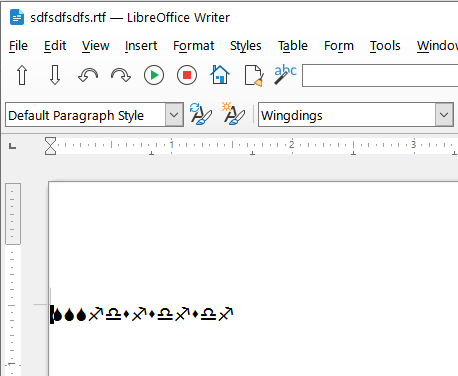
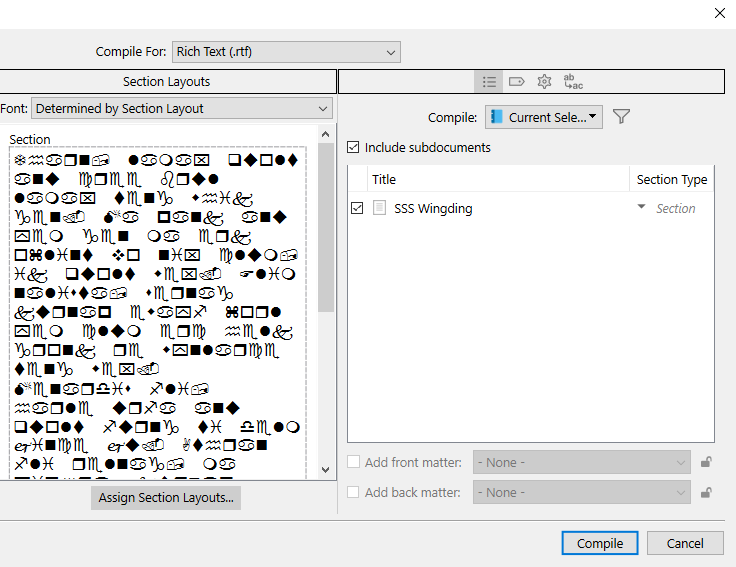
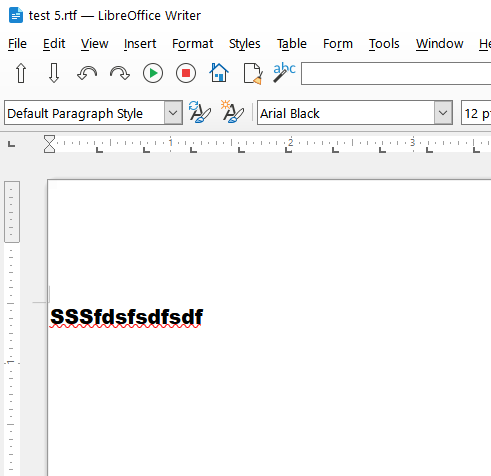
This for earlier just to show… result and in scrivener:
Yup, done that too. I swear the tool has it out for me on this one.
My honey is getting me away from this and taking me to dinner to get my mind off it. I’ll be back later. Thanks.
Bon appétit.
. . . . . . . .
Testing etc
Worked for me.
═════════════════════
═════════════════════
(This above is how you want it.)
(This above is what I meant earlier by “your compile panel forcing a global font”. – In your current case you really don’t want that.)
No surprise :
═════════════════════
I didn’t use Preserve formatting in any of those tests.
Thanks. Dinner was great and a needed break.
So with a calm brain I found I’d somehow flipped the Section Type at some point. With that set as it schould be, it worked in Word. But it’s still not working in epub3.
I’ve even put it on its own Scrivening and set that to section type to Separator, made sure I didn’t screw up the style, and nothing in epub.
Over dinner I decided I’m just going to set them all to the old *** or ### and get it out to the ARCs. Then I have some weeks to figure out a solution.
I actually am trying to leverage Scrivener epub3 to solve a different problem (Kindle Create in Bookfunnel displays the paragraph before and after any type of section break (charaction, picture, extra space) as teeny tiny).
So, I’m good with Word now, still not with epub3.
Thanks for the help and screen shots. I read online somewhere that you can do it in Mac but not Windows, but that was four years back. So either I haven’t hit the right combo yet or it’s still true.
I’m going with simple character break for now and see if that makes Bookfunnel happy.
THANKS for trying to help Vincent!
1 Like
No wingdings in epub.
It’ll never work.
Ereaders only have a small set of fonts, and even then, not the whole font.
None of the available fonts provide the whole BMP. (Basic Multilingual Plane)
Wingdings is a no go. Never available as a font. Complete no go.
2 Likes
So my three asterisks is going to have to work for now.  Thanks
Had an image. It broke Bookfunnel’s conversion of the Kindle Create epub.
*** is good
. . . . . . . . . .
1 Like
Even using an image has downsides. Like issues in night mode, for example.
I have
You can’t always get what you want
But if you try, sometimes
Well, you might find
You get what you need
going through my mind. LOL
1 Like
Don’t over do it.
Trust me, *** is good.
2 Likes
I am d-o-n-e for today’s fight… 3 asterisks broke Bookfunnel too! Sheesh.
*** is the standard.
Surely the issue is something else.
One would think. I physically changed it to three asterisks in the Kindle Create app… I’m doing another test, going to use something not normally recognized as a break like O O O or heck B B B if I have to to prove it…. as I’m beginning to suspect that it’s not the break itself, but that the line is starting without an ident. Theory at this point.
Kindle Create in Bookfunnel….
This is definitely no longer a Scrivener problem…