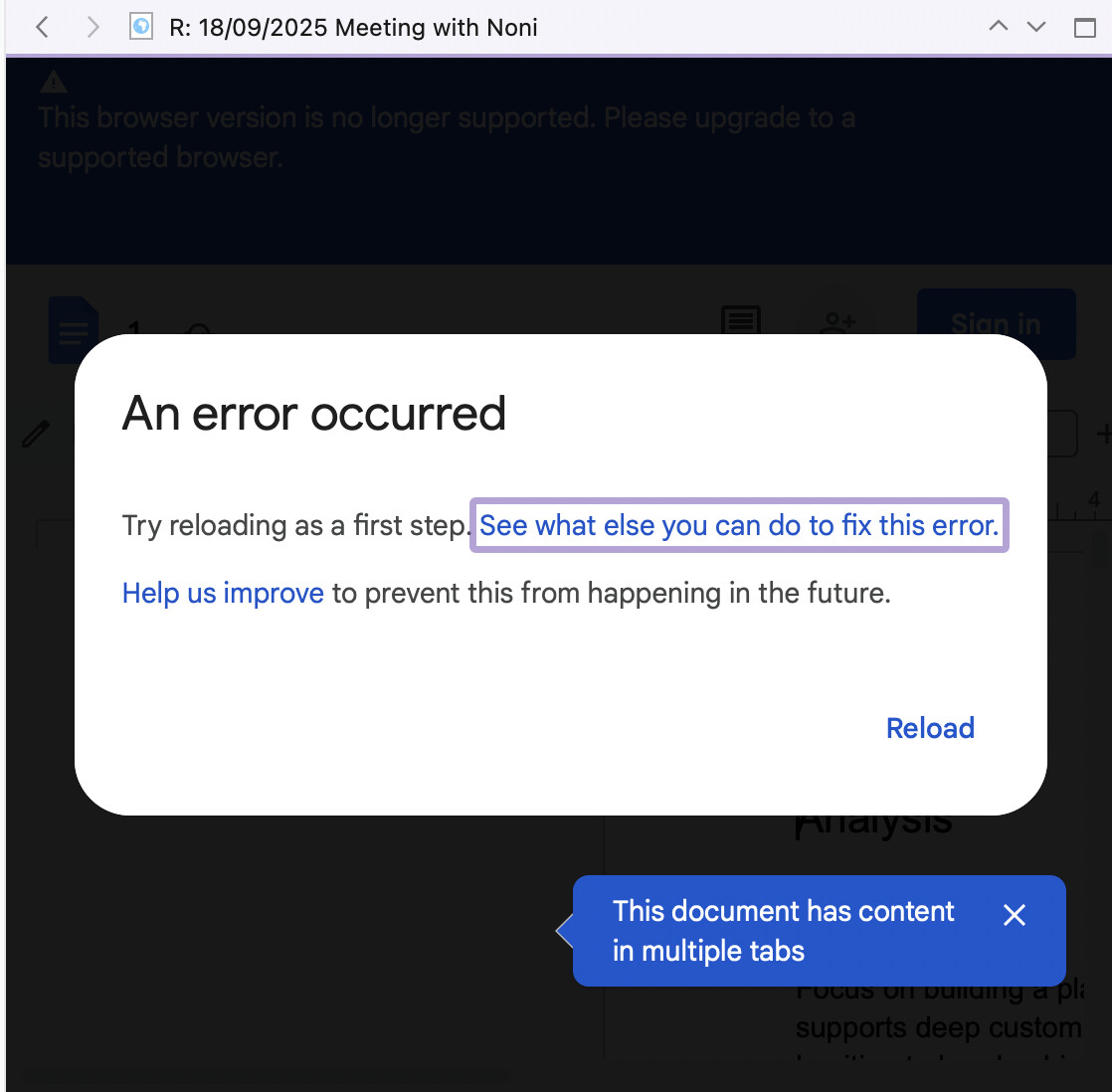
I’m getting a recurring error message when I add a Google Doc to my Scrivener projects as a web page (with the correct sharing settings configured in Google Docs). The web page functionality works fine with publicly-shared Evernote notes but there seems to be a compatibility issue with Google Docs’s current version.
Is this something that will be updated/fixed or is playing nicely with Google Docs as external files not on the cards?
Scrivener itself has very little to do with this. It is essentially offering automation for the act of loading this page in Safari, then saving the page to a WebArchive file, dropping the file into your binder, and then displaying it using the Mac’s stripped down HTML viewer.
The only way to update any of that stuff is with OS upgrades, which in turn upgrade the programming toolkits that make use of these tools.
Meanwhile, review these threads as well. As you might guess from the word “archive”, in WebArchive, what you are expecting to have working here shouldn’t even be possible:
Exporting your work to RTF, DOCX or ODT, will be better for actual document archival, and Document Bookmarks will be better for jumping to live editable copies.
In short, then, trying to create a split-pane workflow with a Google Doc in one pane and a native Scrivener document in the other is probably not viable in the longer term?
The context is similar to that of others here who have talked about the need to have content that lives in Google Docs for sharing/collaboration reasons. The export to RTF etc workaround makes sense in terms of archival but doesn’t facilitate the actual use case of having the best of both worlds. If that’s simply not a problem that Scrivener’s built to solve, I get it.
Yes, as I say when people ask: if it works right now, enjoy it, but eclipses like these tend to come and go as websites update, bugs occur on the OS side, get fixed (breaking what shouldn’t have worked sometimes), etc.