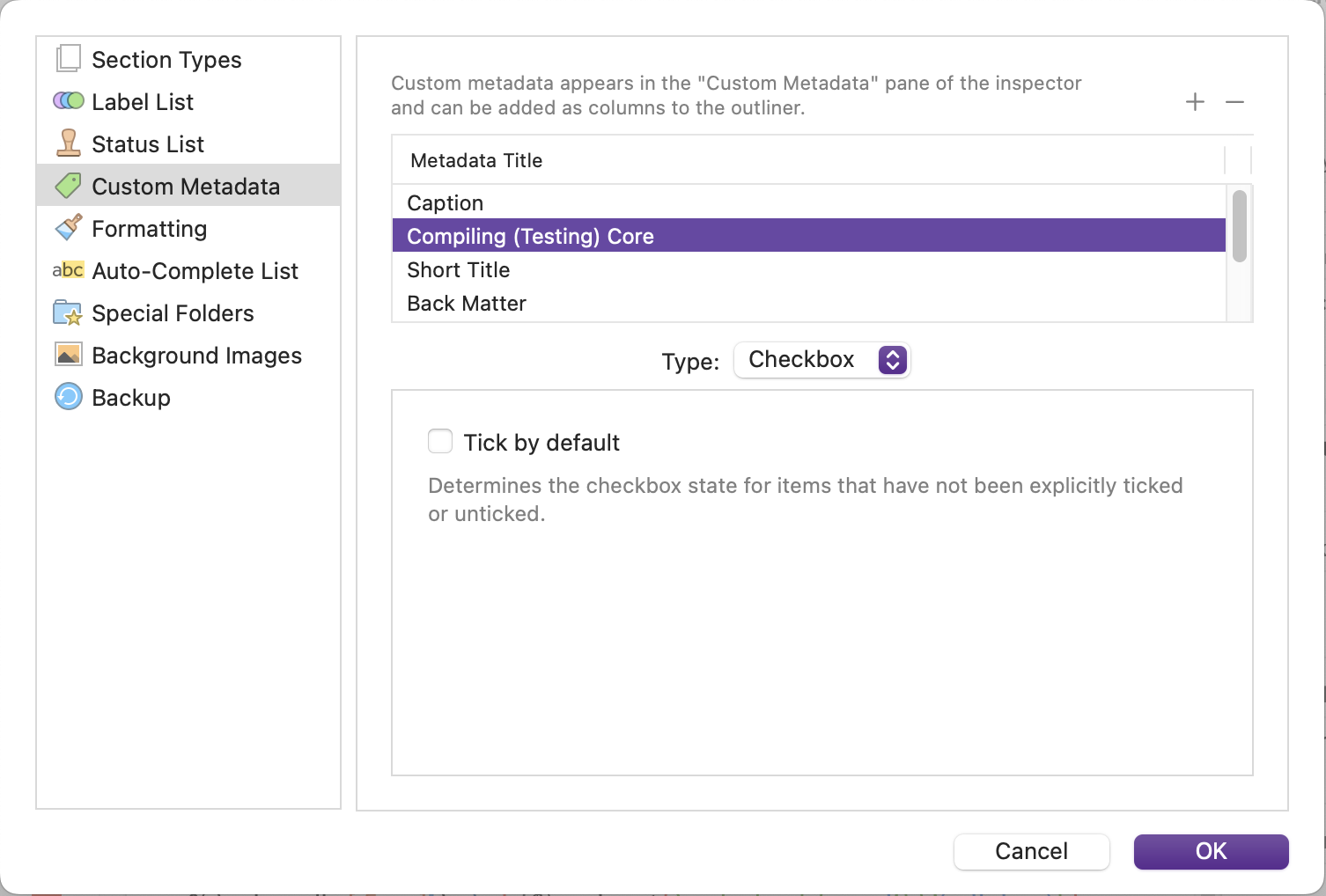
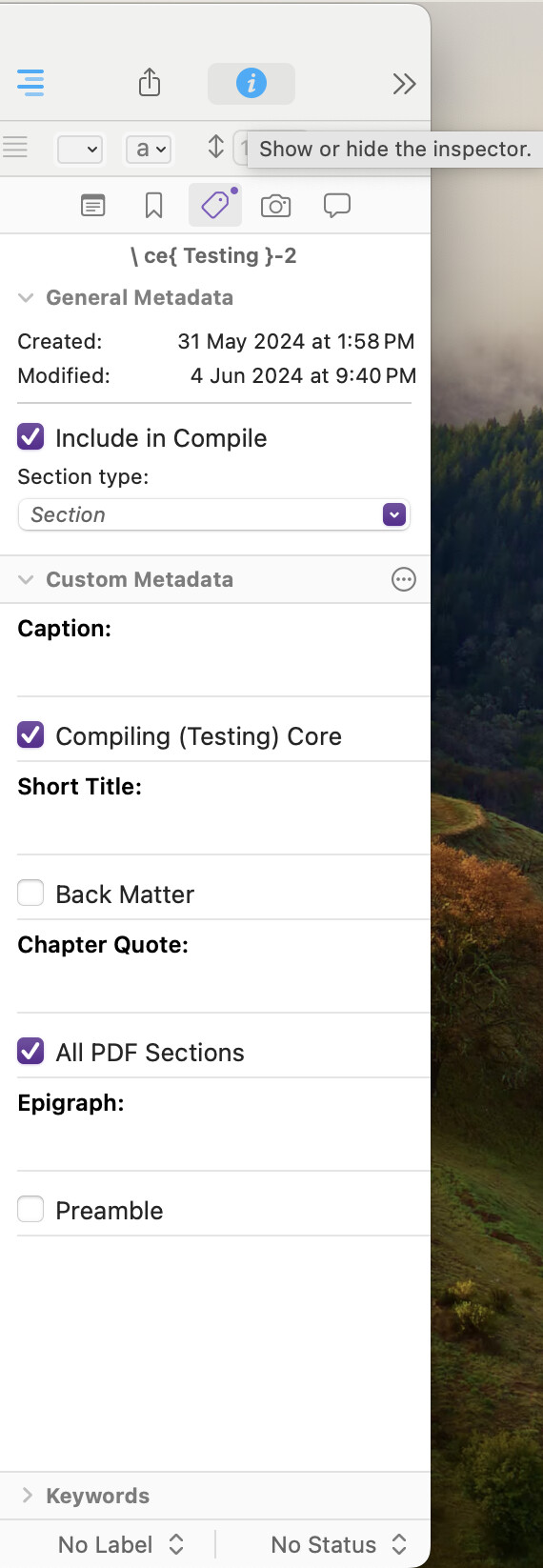
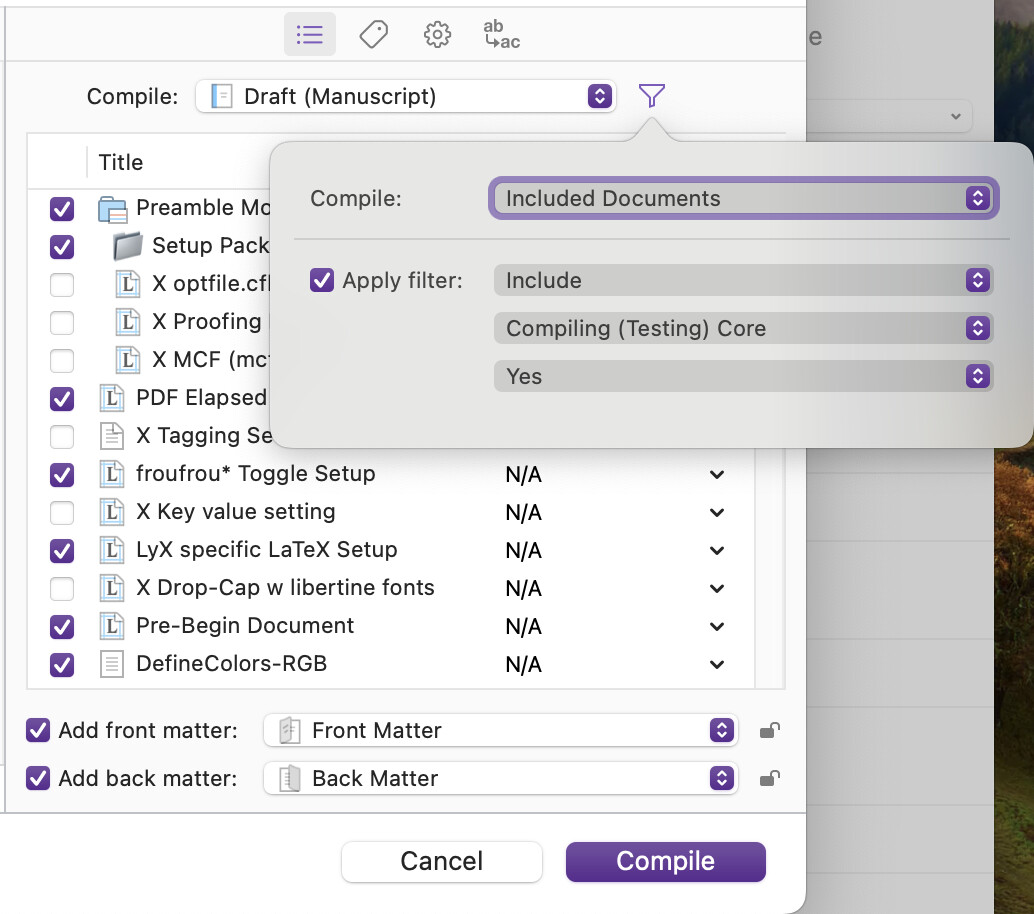
Just a quick check to ensure that I am missing something …
As my Scrivener->LuaLaTeX project compile+typesetting time on my M3 Mac is running at almost 30 minutes (5 to compile + 25 to typeset), I thought I’d check to see what my options are (for the nth time). I’m open for any ideas …
Yes, LaTeX has the include and input commands, which work great if you are working with straight LaTeX (w/o Scrivener), but as far as I can see, do not integrate well with Scrivener in that having separate .tex files for those segments of my code that I’m trying to skip doesn’t allow me to embrace my entire project for searches, etc. if I go with the LaTeX include and input commands.
More to the point of my question, Scrivener has a wonderful visual Toggle (to) include in Compile (in the lower-right corner of each display page,

as well as the individual check-boxes on the Compile for page)
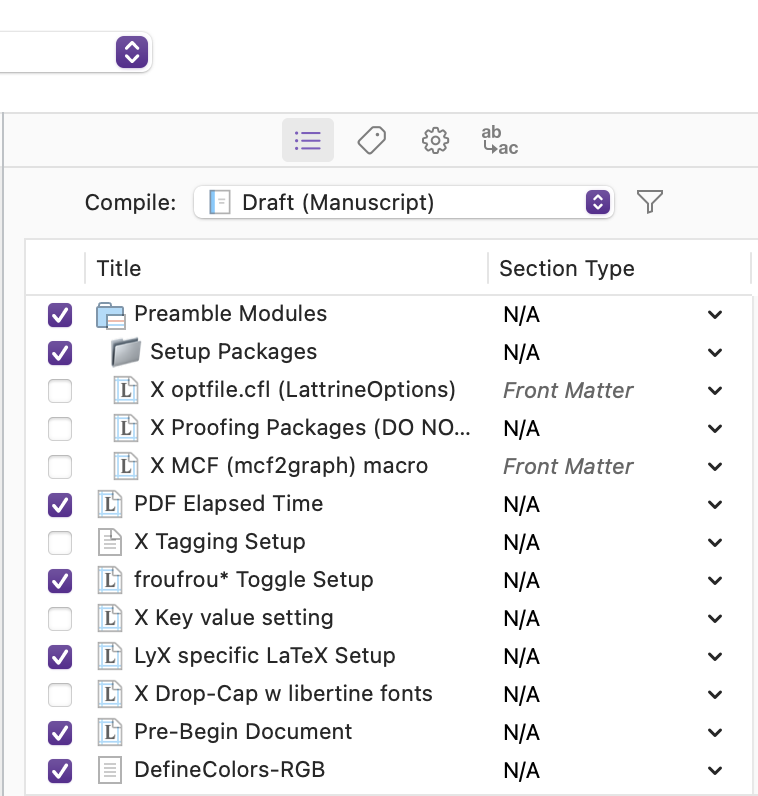
that allows me to switch on or off the particular pages that I wish to include in my compile.
My challenge is that I have several hundreds of individual pages that I would like to have a bit more flexible control over as to which pages I’d like to include in my compiling + typesetting.
Enter a software option to flip the Toggle (to) include in Compile switch that I’d like to know if I am somehow missing as a feature available within Scrivener.
If such exists, I’d like to know how to access such a switch, and go on my merry way.
If not, I’ll have to do more searching in LaTeX to see what other options there are.
I’m also open to any other options others may have used to wrestle a beast of a Scrivener->(Lua)LaTeX project.
Thanks for reading,
scrive
P.S. Pardon my ignorance, but upon reflection and a bit of searching, I realize there is the filter option that is available on the Compile to screen that I need to investigate further.
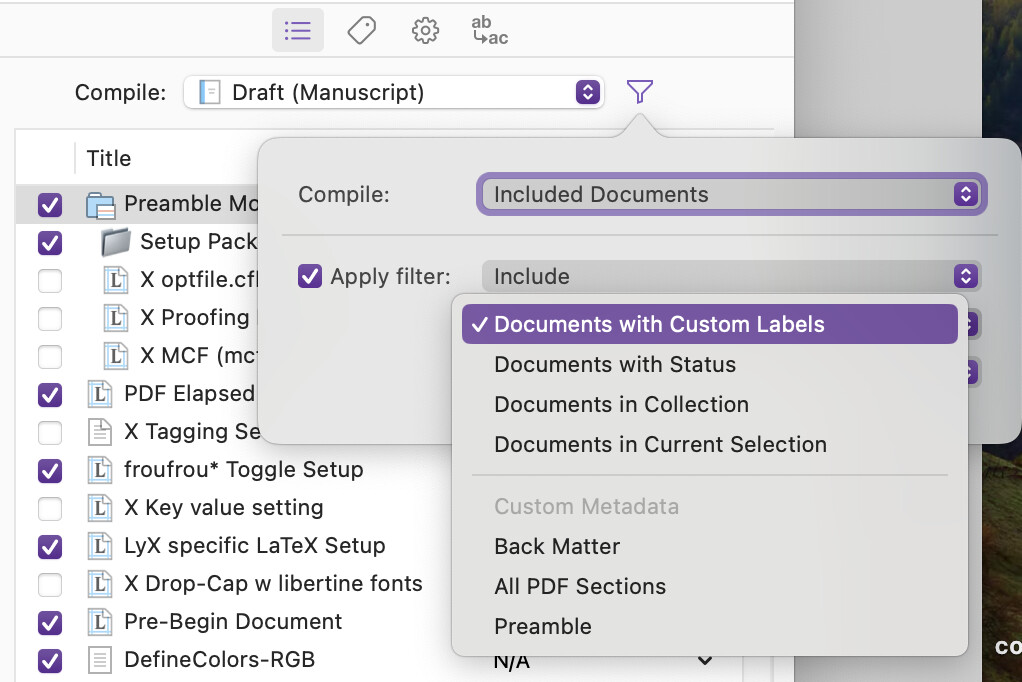
Any suggestions as to how others may have implemented the existing filer options on the
Compile to screen would be appreciated.