First of all I am using Theme Dark Mode
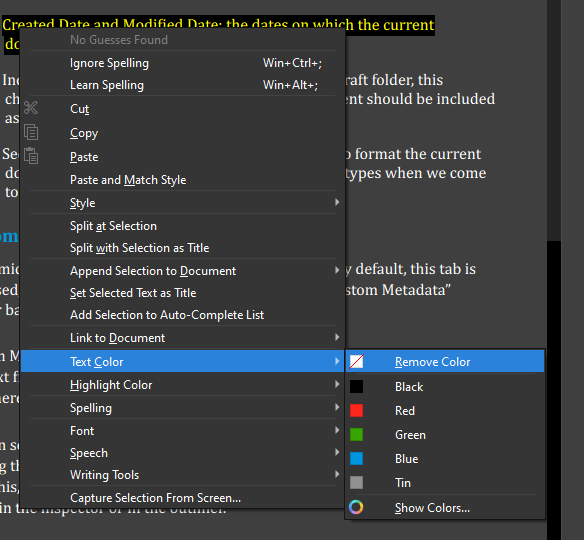
I had missing text when I was compiling but on suggestion I just highlighted the txt and made the font black. The txt magically appeared (awesome) however now my UI has a mix of white txt and black txt within my pages. Is there anything I can do to fix this…
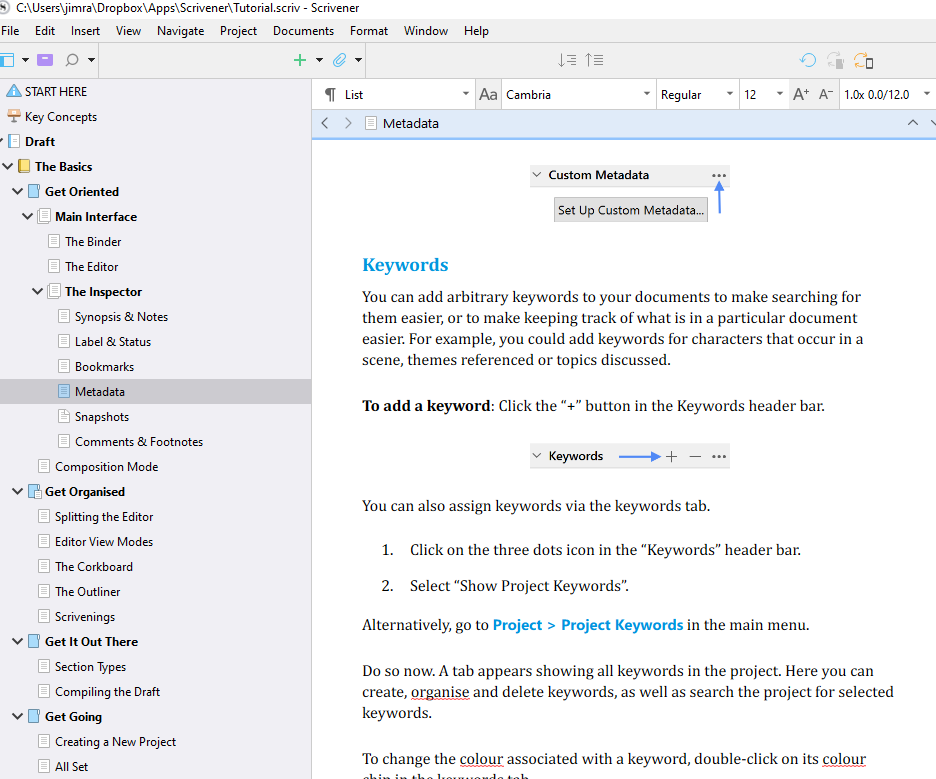
First change to a light theme so know the text will be visible. Take one scene and change the text color to black for the whole document. Now File > Options > Editor and under formatting click button to use formatting in current editor.
Now use Documents > Convert > Text to default Formatting (ie the new black text). now select your manuscript and any front and back matter and use the menu command to change the text all at once. when you are finished compiling, you can convert the text back to a light color for using the dark theme.
Hope this helps
The advantage of this approach is that, when the text is not set to a specific color, Scrivener will automagically change the color to accommodate your theme.
But if you set the text to a specific color, this overrides Scrivener’s magic.
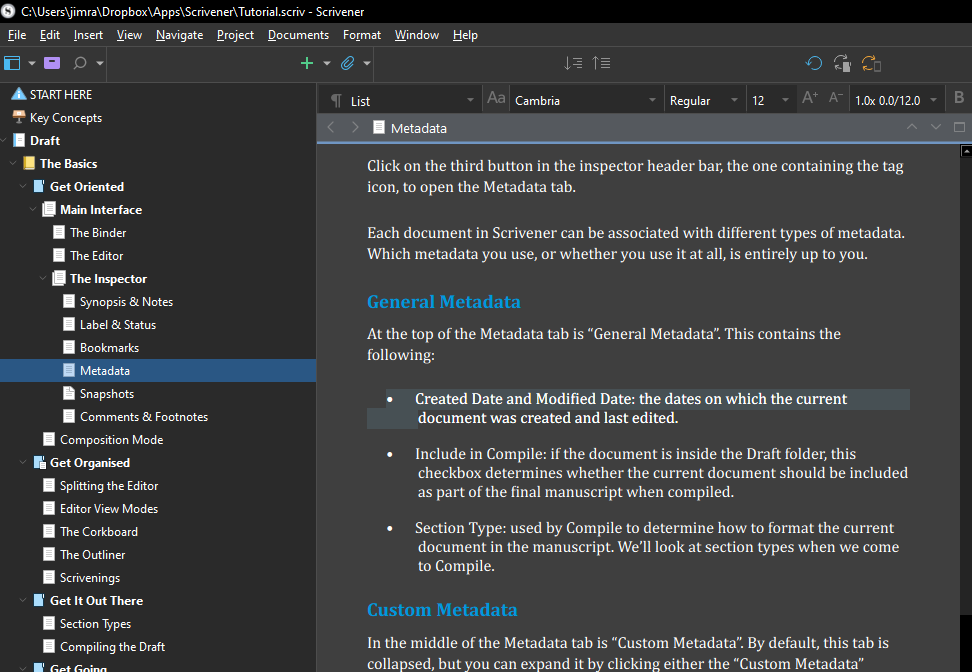
Here is the Tutorial project using the Dark theme - note the white text:
I didn’t change a thing with the text color–all I did was change the theme. Because the text is not set to a specific color, Scrivener changes the text color all by itself.
I have the weirdest situation that in some chapters the text defaults white so when I save it as a DOC or PDF it is not readable as you cant see it. In those chapters some words will be default but the majority of the text is white. I can see it in scrivener but when I save it into another file format I cant see it. Cant find anywhere on how to change it so that the whole document is the same default color