Here is a comparison of 20 writing apps.
6 Likes
Nice work!
(you may want to move the <meta…> into the html <head…> as it’s in the wrong place in your source, so is an invalid HTML document currently)
Thanks.
Im not too familiar with html but I tried to move it. Hopefully its correct now.
Wow. You’ve obviously put a ton of effort into this, and it shows. 
I would think novelists and short story writers will find it very useful; non-fiction writers, not so much, as (IMHO) your criteria is primarily focused on fiction.
Therefore, I’d say the title is misleading. It should be “Writing Apps for Fiction Authors”.
Best,
Jim
4 Likes
One other thing. On all three of my browsers (Brave, Duck Duck Go, Edge) there’s something weird going on with the column titles.
I would expect them to show up at the top of the data for each app, so above the Prose Editor row. Instead, they seem to be appearing and obscuring the data row between Prose Editor and Outliner categories.
Here’s what I’m seeing:
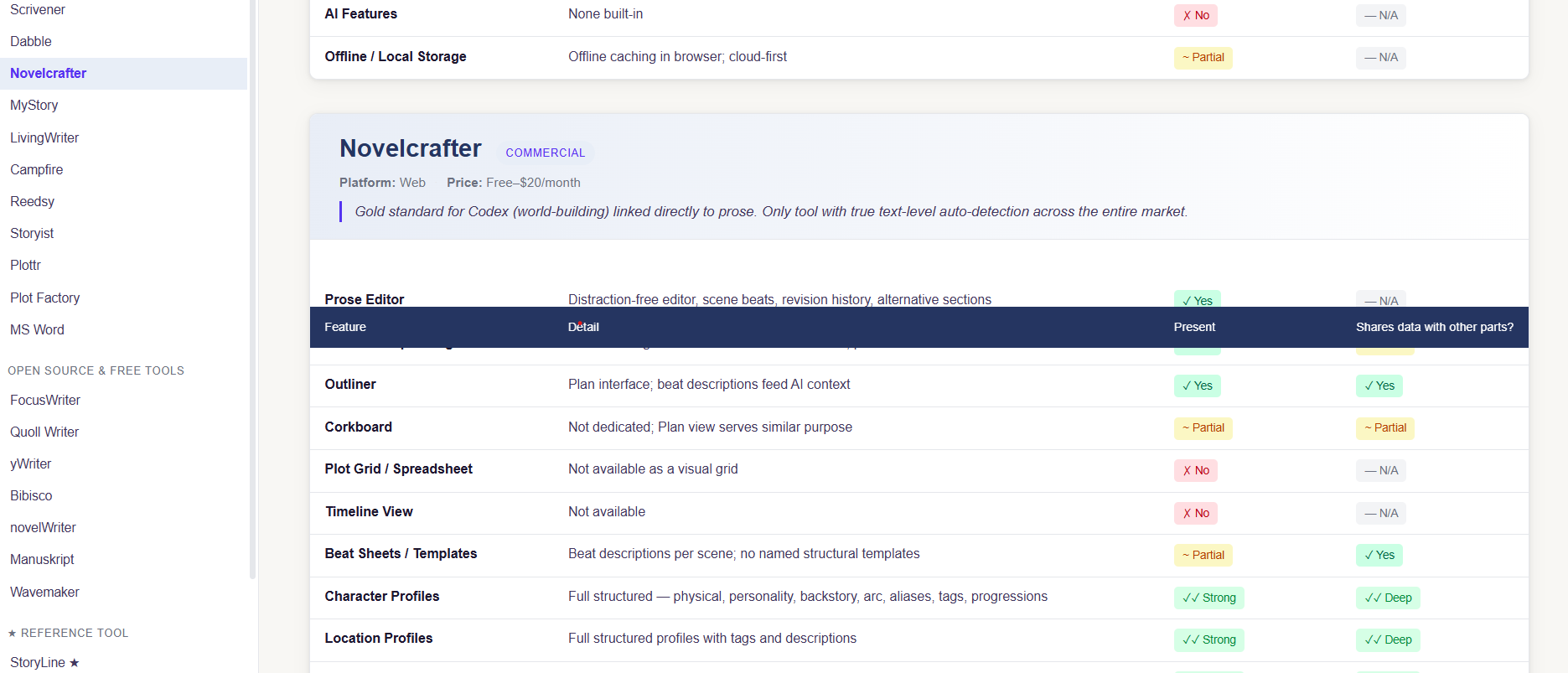
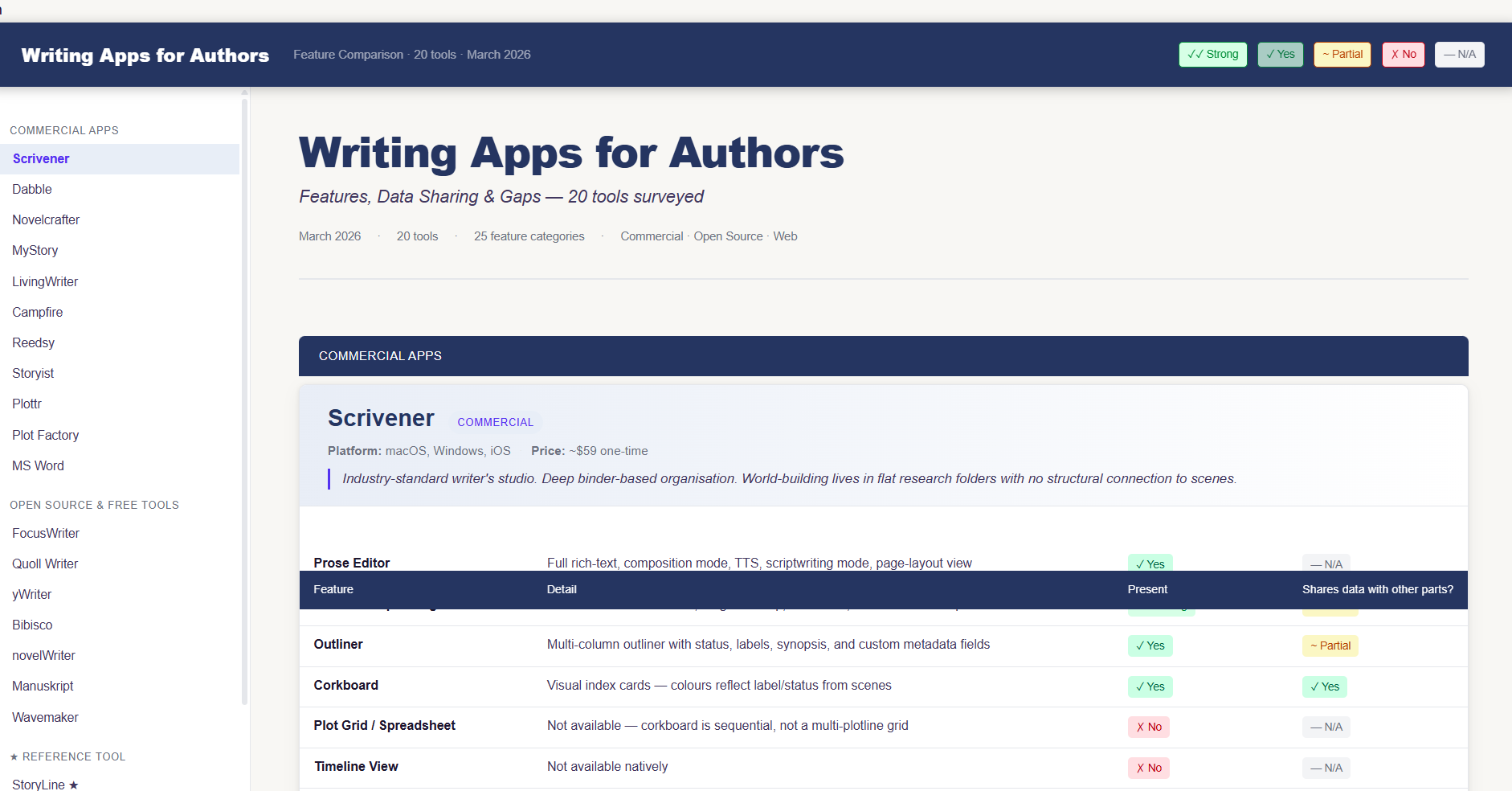
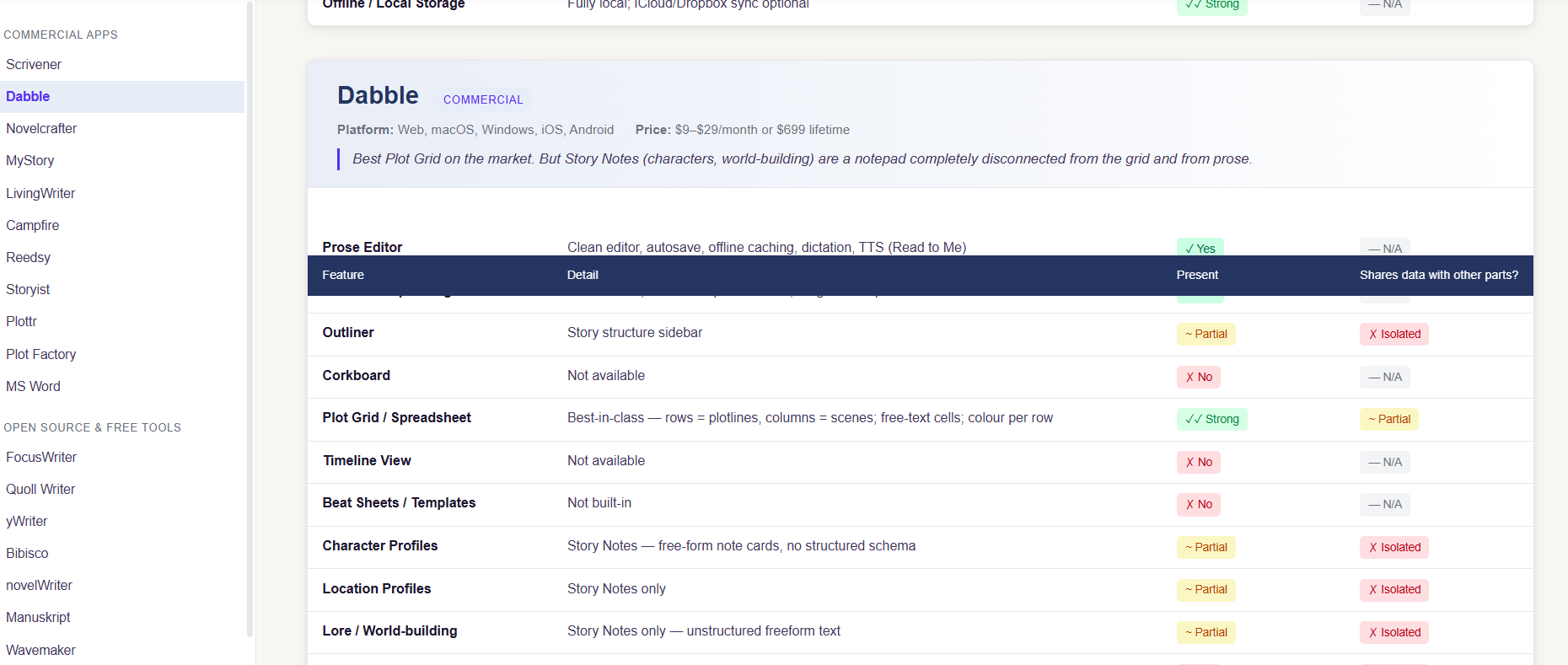
That is fixed as of now.
2 Likes
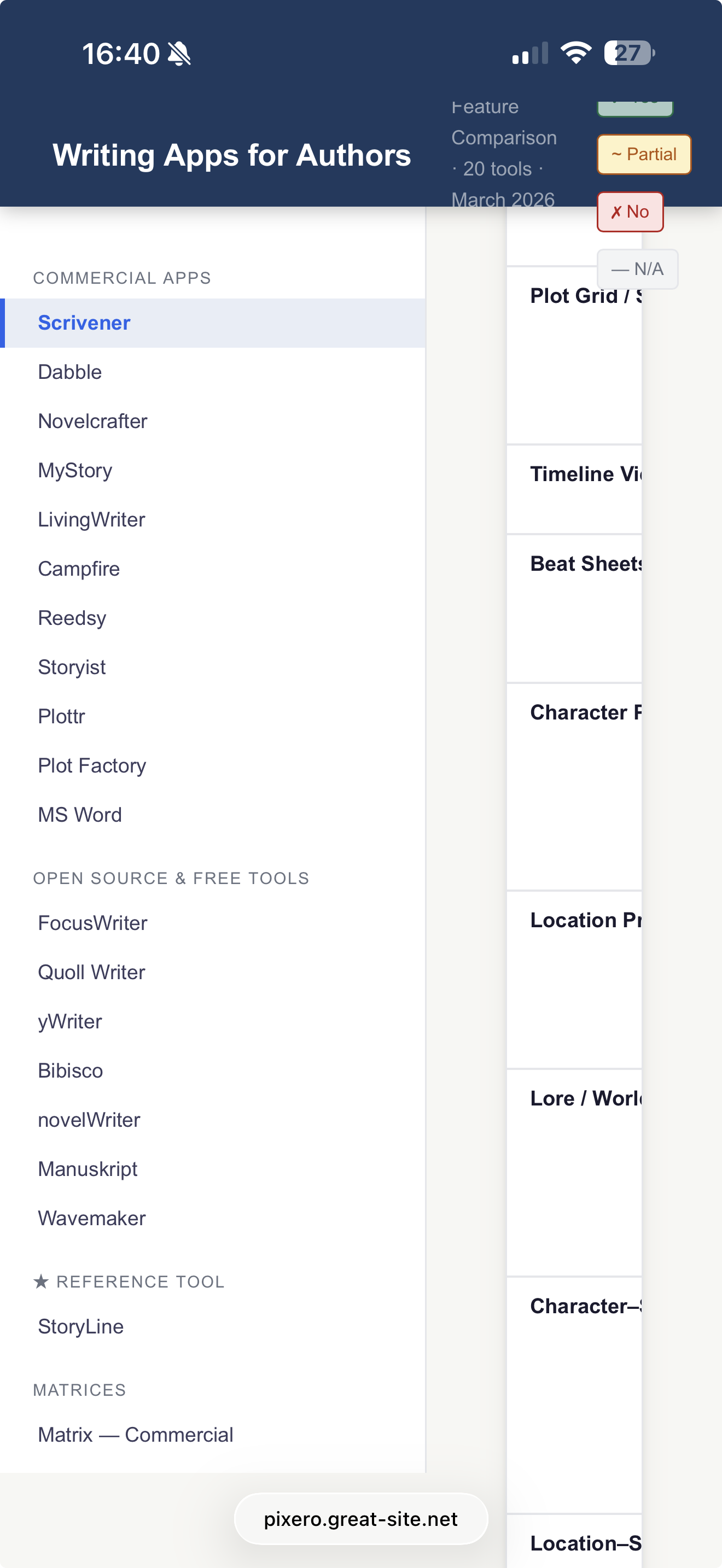
Now it should work better on mobile.
In your description of Scrivener’s Research features, I would say that your description of “flat research folders” is somewhat inaccurate. There’s no built-in structure – though some of the project templates do include “starter” folders – but all the same tools that are available in the Draft folder are also available here.
2 Likes
Ok , will update it with that info.
1 Like
Thanks!
I’m not sure how Scrivener’s Label-View Corkboard fits into your discussion of plotline tracking, but that view does exist. You can also use a Collection to pull out all scenes with a given Label.
2 Likes
Updated it. Hope this is correct.
1 Like
Looks good. Thank you for updating!
A comprehensive list.
Two popular ones you missed, Atticus and Ulysses
2 Likes
Updated with a few more.
You have put a lot of work into the comparison. It is fair to say that different people have different requirements. Business people, lawyers, academics and students are often cited as the main user groups for mainstream ‘word processors’. Writing apps for fiction and non-fiction writers tend to be quite specialised. I think simplicity ‘the feel of using an app’ its ‘look and feel’ is a key attractor for some writers. It is not just an aesthetic consideration, the less there is to an app means that there is less to think about, less choices to make, and - usually with .txt files - simpler and faster sync between devices. (I spent years going virtually insane because of Word’s terrible ‘Styling’ management, so simplicity for me means freedom from having that kind of hassle in my life.) I know that other people prefer having the bespoke features that some writing apps offer, building an index, inserting tables, footnotes, document navigation, and built-in structuring to help them get an overview of a complicated text. So, I think that the experience of using an app is really important. It’s not just a technical checklist of features. I know this is self-evident, but it is often overlooked.
1 Like
Why do you include that Aeon Timeline syncs with Ulysses, but fail to mention that it syncs with Scrivener?
N.B. Aeon Timeline was originally developed to provide a timeline app that would sync with Scrivener!
3 Likes
I heartily concur! So many apps I’ve installed and then found they didn’t suit me.
On the basis of this analysis, I would immediately dump everything to use StoryLine (apart from the fact that my current interest is Typst, for which Scrivener works well). But I have Obsidian and have never managed to get on with it; the most I use it for is to make quick check on MD syntax for things like tables if ever necessary.
The same was true with Ulysses: I tried Ulysses way back when, but really couldn’t get on with it. Then I came across Scrivener just as it was launched and it immediately chimed with me.

Mark
2 Likes
I have updated it with the Aeon timeline info.
Of cause different users have different needs and preferences. I made the list simply to list what features different writing apps have. Lots of people are asking if app X is better than app Y.
If someone is interested in a particular feature, having a feature comparison might help a bit.
4 Likes
It’s an easy recommend. The recent visual refresh is really nice. It’s also a very flexible app that allows people to work in different ways. For me, it works best with a large screen to get all the cards on the screen in one go without having to scroll down, also being able to view two pages side by side, which gives me more context when writing than with a single column. But, I think its superpower is being able to label/describe/summarise sections of text and freely move them up and down the document – and knowing that by setting the texts to ‘Chapters’ Compile will handle the end formatting / chapter numbering. Many of these things are qualitative.